You already use two-factor authentication: a password, then a six-digit code from a text message or an authenticator app. Now the same account offers a passkey. The practical question is whether the passkey replaces the code, adds to it, or protects against something the code does not.
The short answer: a passkey changes how the second check works. A code is something you read and type, so you can type it into the wrong website. A passkey is a key pair your device uses only with the website that created it, so there is nothing to type and nothing a look-alike site can collect.
What each method proves
Code-based 2FA adds a second factor to your password. The code arrives by SMS, is generated by an authenticator app, or appears in a push prompt. In every case the site checks a value that a person relays.
A passkey is, in the FIDO Alliance’s description, a cryptographic credential tied to your account on one website or app. You approve a sign-in the way you unlock your device, with a fingerprint, face scan, PIN or pattern. The site stores a public key; the private key stays with your device or your password manager.
Why a typed code can be phished
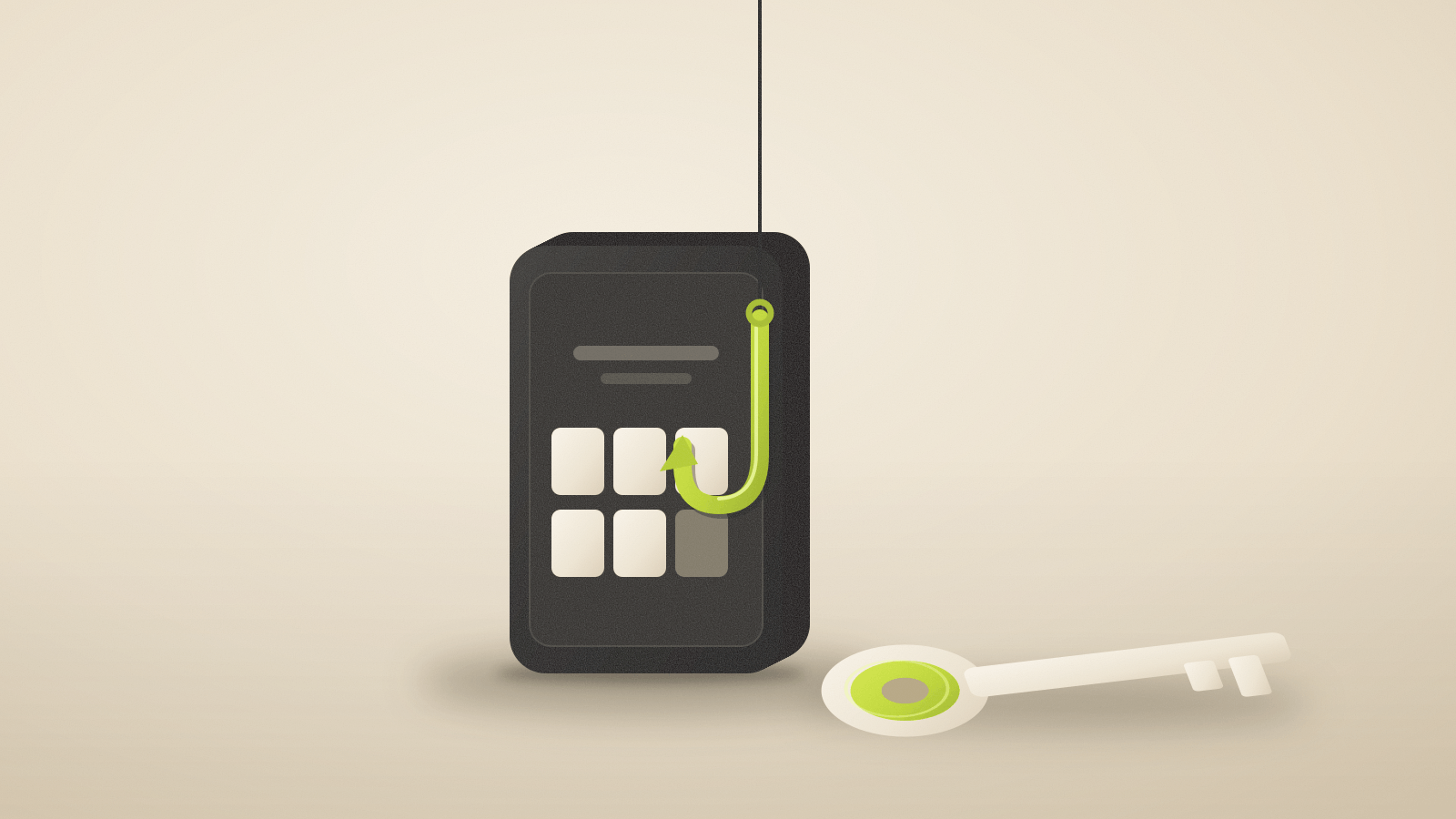
A common attack, described in CISA’s fact sheet on phishing-resistant MFA, works like this: an email sends you to a copy of your company’s login page; you enter your password and the six-digit code from your authenticator app; the attacker passes both to the real site within seconds.
The code was valid. It simply went to the wrong place. NIST’s authentication guidance, SP 800-63B-4, states the rule directly: authenticators that involve “manual entry of an authenticator output,” including one-time-password and out-of-band methods, “SHALL NOT be considered phishing-resistant,” because the typed value is not bound to the session.
CISA lists further weaknesses of particular methods: repeated push prompts until someone taps Accept (“push bombing”), interception of SMS codes through flaws in the SS7 phone-network protocol, and SIM swaps in which a carrier is persuaded to move your number to an attacker’s SIM.
Why a passkey resists it
A passkey is created for one domain. NIST describes this as verifier name binding: the authenticator output is cryptographically tied to the site’s authenticated name. Its appendix on syncable authenticators explains that the key pair’s use “is constrained to the domain in which it was created,” which “prevents a falsified web page from being able to capture and reuse an authenticator output.”
On a look-alike domain, your device has no passkey to offer. You do not need to spot the spelling difference in the address bar for the protection to work. CISA calls FIDO/WebAuthn, the standard passkeys use, “the only widely available phishing-resistant authentication.”
| SMS code | Authenticator app code | Push approval | Passkey | |
|---|---|---|---|---|
| You type or relay a value | Yes | Yes | You tap Approve | No |
| Can be replayed on a fake site | Yes | Yes | Can be approved by mistake | No |
| Exposed to SIM swap | Yes | No | No | No |
| Phishing-resistant in NIST’s terms | No | No | No | Yes |
Is a passkey one factor or two?
It depends on how it is unlocked. The private key is something you have. When your device asks for a fingerprint, face or PIN before using it, that check adds something you are or know. NIST treats such a device as a multi-factor authenticator, and its AAL2 level can be met by “a cryptographically secure device with an integrated biometric sensor” used to activate it.
That is why many services let a passkey replace both the password and the code. Whether a given site treats it that way, or still asks for another step, is the site’s choice.
Synced passkeys move the risk
Many passkeys are synced through Apple, Google, Microsoft or a password manager, so a new phone can use them. NIST calls these syncable authenticators and accepts them at AAL2. It excludes them from AAL3, its highest level, because a synced key “can be exported.”
Syncing does not undo phishing resistance, but it adds another account to protect. NIST notes that synced keys “are accessible via cloud-based account recovery processes,” and requires the sync account itself to be protected with AAL2-equivalent multi-factor authentication. In practice, the security of every synced passkey depends on how well your Apple, Google, Microsoft or password-manager account is protected. Our guide to passkey recovery on a new device covers what happens when you lose that device.
What a passkey does not protect
A passkey protects the sign-in. It does not stop malware already running on your computer, a browser extension with broad access to the pages you use, or someone who talks you into approving a payment after you are signed in. See what browser extensions can read for one of those routes.
A site that still allows SMS codes or password-only recovery as a fallback leaves that weaker route open. Once you have added a passkey, check the account’s security settings for other sign-in methods you no longer need.
A worked example
Suppose you get an email that appears to come from your cloud storage provider, asking you to sign in to keep a shared file.
- With password and authenticator code: you enter both on the fake page. The attacker uses them on the real site before the code changes, which for many authenticator apps is within about 30 seconds.
- With a passkey: the fake page asks your browser for a passkey. Your device has none for that domain, so nothing is offered, or it shows no matching credential. The attacker gets nothing to replay.
The example is hypothetical; real phishing kits vary, and some try to push you toward a fallback method instead.