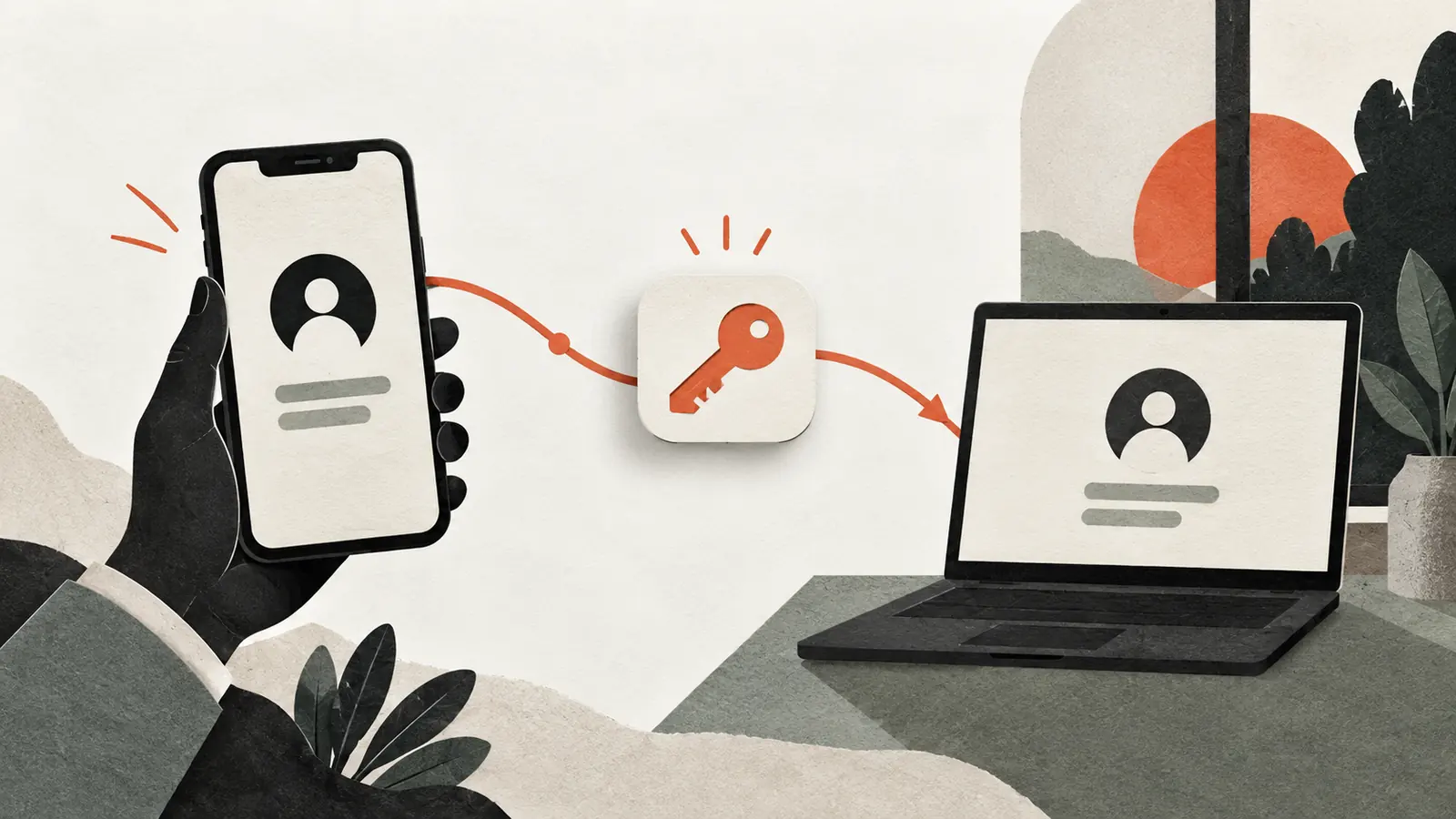
A passkey can make signing in feel as simple as unlocking a phone. Replacing that phone raises a less visible question: where is the passkey stored, and how will it become available on the new device?
Some passkeys synchronize through a provider. Others remain bound to a particular device or security key. Those choices affect recovery. They also make it important to distinguish the account with the passkey provider from the website account the passkey opens.
Losing access to one does not automatically mean losing the other, but the available recovery paths must be understood before the only working device disappears.
A passkey proves possession of a private key
Passkeys use public-key cryptography. The service stores information used to verify a response from the user’s credential, while the private key remains under the user’s authenticator or passkey provider’s control.
The FIDO Alliance’s passkey guide explains how this design supports phishing-resistant sign-in. Credentials are associated with the relevant service, helping prevent a lookalike website from simply collecting and replaying a reusable password.
The fingerprint, face check or device PIN typically authorizes local use of the credential. It is not the website’s copy of your fingerprint or a new password sent to the website. The sign-in flow and device security still need to be used correctly, but the underlying exchange differs from typing a shared secret.
Synced passkeys depend on the provider
A passkey provider can make credentials available across supported devices signed into the appropriate account. When setting up a replacement device, access to that provider and its recovery process becomes important.
The exact process varies. It may involve another trusted device, recovery information or additional verification. Do not assume that remembering the password for one website restores all passkeys stored by a separate provider.
Review the provider’s recovery controls while you still have a working device. Keep required recovery information in a place you can access if the device is lost. A recovery method stored only inside the locked account may not help when that account is the problem.
Device-bound passkeys need another route
A credential stored only on a particular device or hardware security key does not become available on a replacement simply because the user installs the same app. If that authenticator is unavailable, the service needs another accepted way to authenticate or recover the account.
Where supported, registering a second authenticator can provide an independent route. That might be another device, another passkey or a security key, depending on the service’s rules. Store and maintain it so it remains available when needed.
Check that the second credential actually works before relying on it. Creating an account-recovery plan is less useful than verifying one while the primary sign-in method is still available.
Cross-device sign-in is not necessarily migration
A computer may offer to use a passkey from a nearby phone. This can let the phone authenticate a session on the computer without permanently transferring the credential into the computer’s passkey store.
FIDO’s documented cross-device flow uses proximity checks as part of the process. Follow the browser and device prompts reached from the service you intended to use. A successful sign-in does not, by itself, prove that the computer now holds an independent recovery credential.
After replacing devices or changing providers, inspect the account’s registered sign-in methods. Understand which device or provider holds each credential and remove access that should no longer remain available.
Website recovery remains its own security decision
A website can support passkeys and still offer recovery through email, support procedures or another method. Those routes can become the practical weak point if they are easier to compromise than normal passkey sign-in.
Protect the email and other accounts used for recovery. Keep contact information current, and review active sessions after losing a device. A passkey’s phishing resistance does not automatically secure every fallback route or an already authenticated session.
Services also differ in whether a password remains enabled after a passkey is added. Inspect the account’s settings rather than assuming that enrollment removed the old sign-in method.
Prepare for a lost device, not just a new one
A planned upgrade is easier because the old device is still available. A useful recovery check assumes it is not. Can you access the provider? Do you have a second accepted credential? Can you reach recovery information without the missing device?
Keep the plan proportionate to the account. A primary email or financial account deserves more attention than a disposable forum login. Avoid creating circular dependencies in which every recovery method requires access to the same unavailable account.
The broader principle resembles cloud recovery: a second copy or route is useful only if the dependencies needed to use it also survive.