Two models can have very different token prices and still cost roughly the same to complete a useful task. The cheaper one may need longer prompts, more attempts or more time from a person fixing the output. A more expensive model can also waste money by doing work the task never required.
The comparison starts with a defined result: a correctly classified support request, a checked extraction from an invoice or a report with sources. “One response” is easy to count, but it may not be the unit the business needs.
Use the cost of an accepted result as the headline measure. Keep its components visible so you can see whether a change saves money by becoming more efficient or simply by doing less work.
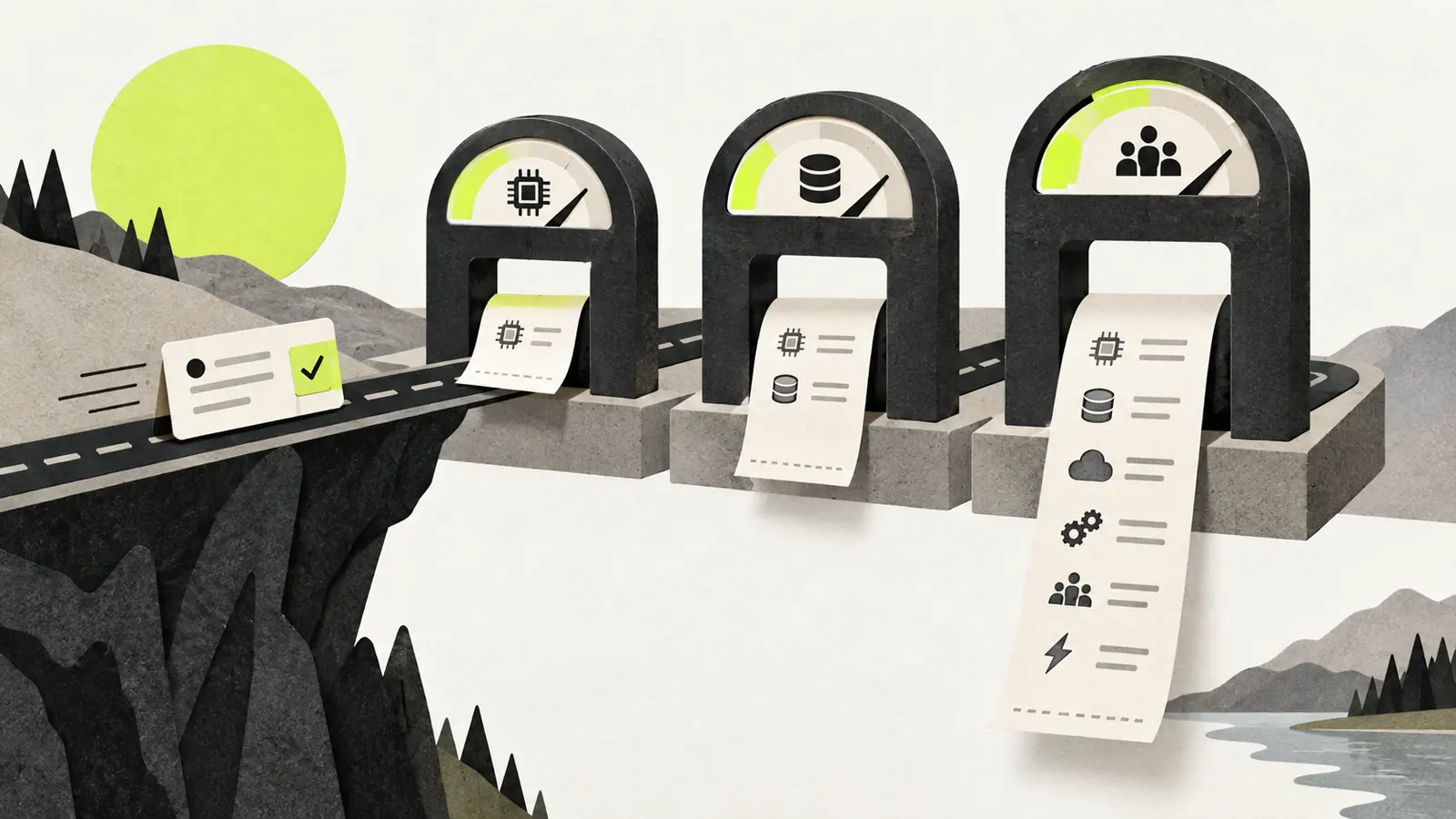
Count every model call in the job
A chat interface can hide several requests behind one answer. A system might classify the request, retrieve documents, ask a model to plan, run tools, inspect the results and generate the final response. A separate model may then check that response.
Each stage can add input and output tokens. Tool definitions, retrieved text and previous messages may form part of the input. A long conversation can become expensive even when the final answer is short.
Anthropic’s pricing documentation illustrates the distinction: model usage includes tokens associated with tools, while some server-side tools have additional usage charges. Other providers have their own meters and inclusions. Compare the actual billable units for the service and model you use.
Do not estimate every request by multiplying the final response’s word count by a token price. That misses much of the work, and different tokenizers can count the same text differently.
Add tools and the place the job runs
A task may pay for search results, a browser session, code execution, storage or a third-party API. Those costs can dominate a short model call. Some are billed per request; others accrue while a resource remains available.
For a document-processing workflow, count the cost of obtaining the file, extracting its contents, storing intermediate data and retaining the final result. For an agent that builds a project, count the execution environment and any services it starts.
Separate recurring costs from setup work. Connecting a system and building an evaluation set are investments. A search call on every run is an operating expense. Mixing them without explanation makes a pilot’s per-task number difficult to compare with steady operation.
Retries need a reason and a limit
A timeout may be worth retrying. A missing permission will usually fail again until something changes. An agent that treats both as temporary problems can spend money while making no progress.
Record why each retry happened. Useful categories include unavailable tools, invalid output, failed quality checks and changed requirements. The remedies differ: better error handling, a stricter output format, a different model or a clearer task definition.
Set a maximum number of attempts or a spending limit appropriate to the task. When the limit is reached, preserve the partial result and explain what is missing. The behavior of the surrounding agent system matters as much as the model’s reasoning ability here.
Include the review that makes the result usable
An inexpensive extraction is not useful if someone must reopen every document and check every field. Review is sometimes essential, but it belongs in the comparison.
Consider an illustrative batch of 100 tasks. Suppose model and tool charges total $8, but reviewing and correcting the results takes one hour. At an assumed internal labor cost of $30 per hour, that batch costs $38 before other overheads. These are invented numbers to show the calculation, not a provider quote or a claim about typical performance.
Now imagine a second approach with $15 in service charges and 20 minutes of review at the same assumed rate. Its comparable total is $25. The higher service bill produces the lower task cost in this example. The result would change if the acceptance rate or review time changed.
Measure that time on a representative sample. A demonstration consisting only of easy cases can hide the expensive exceptions.
Caching and batching have conditions
Caching can reduce repeated processing of shared context. Whether it helps depends on cache lifetime, minimum sizes, write charges and how often requests reuse the same material. A workflow with little repetition may see little benefit.
Batch processing can lower prices when the application can wait for asynchronous results. It is less useful for an interaction that needs an immediate answer. Provider discounts should be read alongside latency, availability and other constraints rather than treated as universal savings.
Running an open-weight model changes the bill again. Hardware and operations replace or supplement a hosted API charge. Include idle capacity as well as the periods when the server is busy.
Keep quality next to the cost number
A useful comparison table has at least accepted results, total service spend, review time and end-to-end latency. Add failure categories so an average does not conceal an expensive or consequential error.
Recheck after changing the prompt, model, toolset or document mix. A lower price per token is a vendor fact. A lower cost per accepted task is something the workflow has to demonstrate.