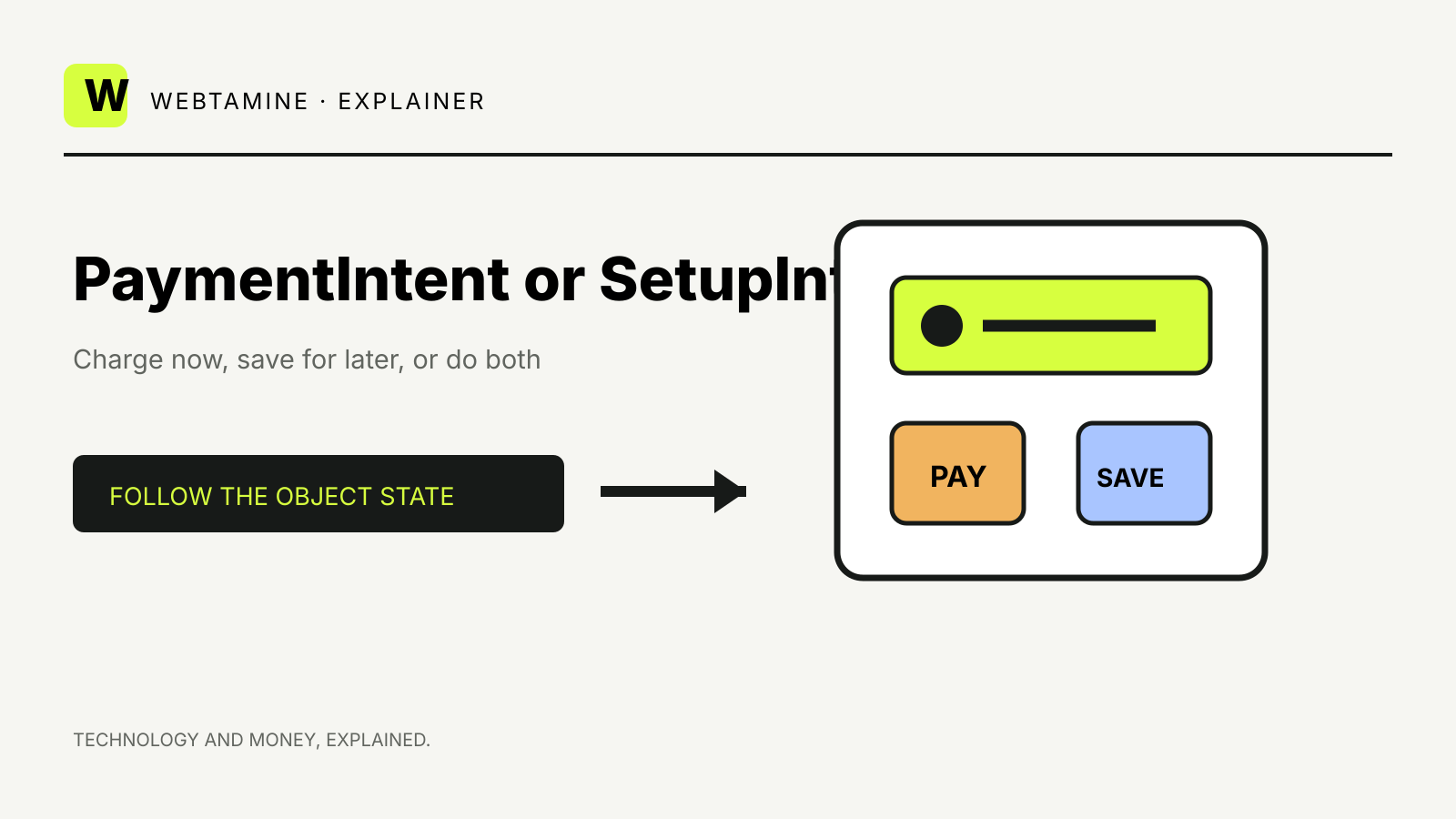
Stripe PaymentIntent vs SetupIntent is a choice between collecting a payment now and preparing credentials for later. Both objects can collect payment-method details, trigger authentication and finish successfully, but only a PaymentIntent represents a charge.
Use a PaymentIntent when the customer is paying now. Use a SetupIntent when the customer is only saving a payment method for later. If a payment now should also prepare the method for future use, a PaymentIntent with setup_future_usage can do both.
PaymentIntent: collect a specific payment
A PaymentIntent represents one payment flow. Stripe recommends creating it when the amount is known and typically associating it with one cart or customer session.
The object tracks:
- amount and currency;
- payment method;
- authentication or other required action;
- processing;
- success or failure;
- related charges from payment attempts.
Stripe’s Payment Intents documentation says an application should reuse the same PaymentIntent if an interrupted checkout resumes. Creating a new object for every retry can break the connection between the cart and its payment history.
A successful PaymentIntent means the payment flow is complete. With asynchronous payment methods, the object can remain in processing for days. Your server should use webhooks rather than a browser redirect as the source of truth for fulfillment.
SetupIntent: prepare credentials without a charge
A SetupIntent represents permission and authentication for future use. It does not create a charge.
Stripe’s Setup Intents guide gives examples such as a rental company collecting a method before the rental period and a utility collecting bank details before the first bill.
The object can:
- collect payment-method details;
- trigger authentication;
- record intended future usage;
- attach the resulting method to a Customer;
- create or support a mandate where the payment method requires one.
A successful SetupIntent means the setup flow succeeded. It does not mean money was collected.
The decision table
| Situation | Stripe object |
|---|---|
| Customer pays for an order now | PaymentIntent |
| Customer saves a card during account setup | SetupIntent |
| Customer pays now and opts to save the method | PaymentIntent with setup_future_usage |
| Subscription setup without an immediate charge | SetupIntent or the Billing flow Stripe documents for that case |
| Merchant authorizes now and captures later | PaymentIntent with the appropriate capture method |
| Merchant wants to charge an existing saved method later | A new PaymentIntent for that later payment |
Do not reuse a SetupIntent as the later payment. The later charge needs its own PaymentIntent because it has its own amount, currency and payment lifecycle.
On-session and off-session use
An on-session payment happens while the customer is present and can complete authentication. An off-session payment happens later without the customer actively in the checkout.
For SetupIntents, the usage value tells Stripe whether the method is intended for on_session or off_session use. Stripe documents off_session as the default. That choice can change the authentication performed during setup and the likelihood that a later payment needs the customer to return.
For PaymentIntents, setup_future_usage records the intended future use while the current payment is being processed.
These settings do not guarantee that a later payment will succeed without authentication. Issuers and payment-method rules can still require customer action. Build a recovery path that brings the customer back into the application when needed.
Consent is part of the flow
Saving credentials is not only an API choice. Stripe says businesses are responsible for obtaining permission and complying with applicable law, regulation and network rules.
For future on-session use, present a clear choice such as “Save my payment method for future purchases.”
For future off-session use, explain:
- that the business may initiate payments;
- whether payments are one-time or recurring;
- how the amount is determined;
- how the customer can update or withdraw the method, where applicable.
A successful API response does not replace customer consent.
State names look similar for a reason
Stripe’s lifecycle comparison shows both objects moving through states such as:
requires_payment_method;requires_confirmation;requires_action;processing;succeeded;canceled.
The meaning is tied to the object.
For a PaymentIntent, succeeded means the payment flow completed. For a SetupIntent, succeeded means the method setup completed. Code that checks only the status string but ignores the object type can fulfill an order after a setup with no payment.
Store the right IDs
Link the objects to your own records:
- cart or order ID → PaymentIntent ID;
- customer ID → Stripe Customer ID;
- saved-method enrollment → SetupIntent ID;
- later invoice or purchase → its own PaymentIntent ID.
Do not put secrets or card details in metadata. Stripe says a PaymentIntent client secret should not be logged, placed in a URL or exposed to anyone other than the relevant customer.
Confirm on the server
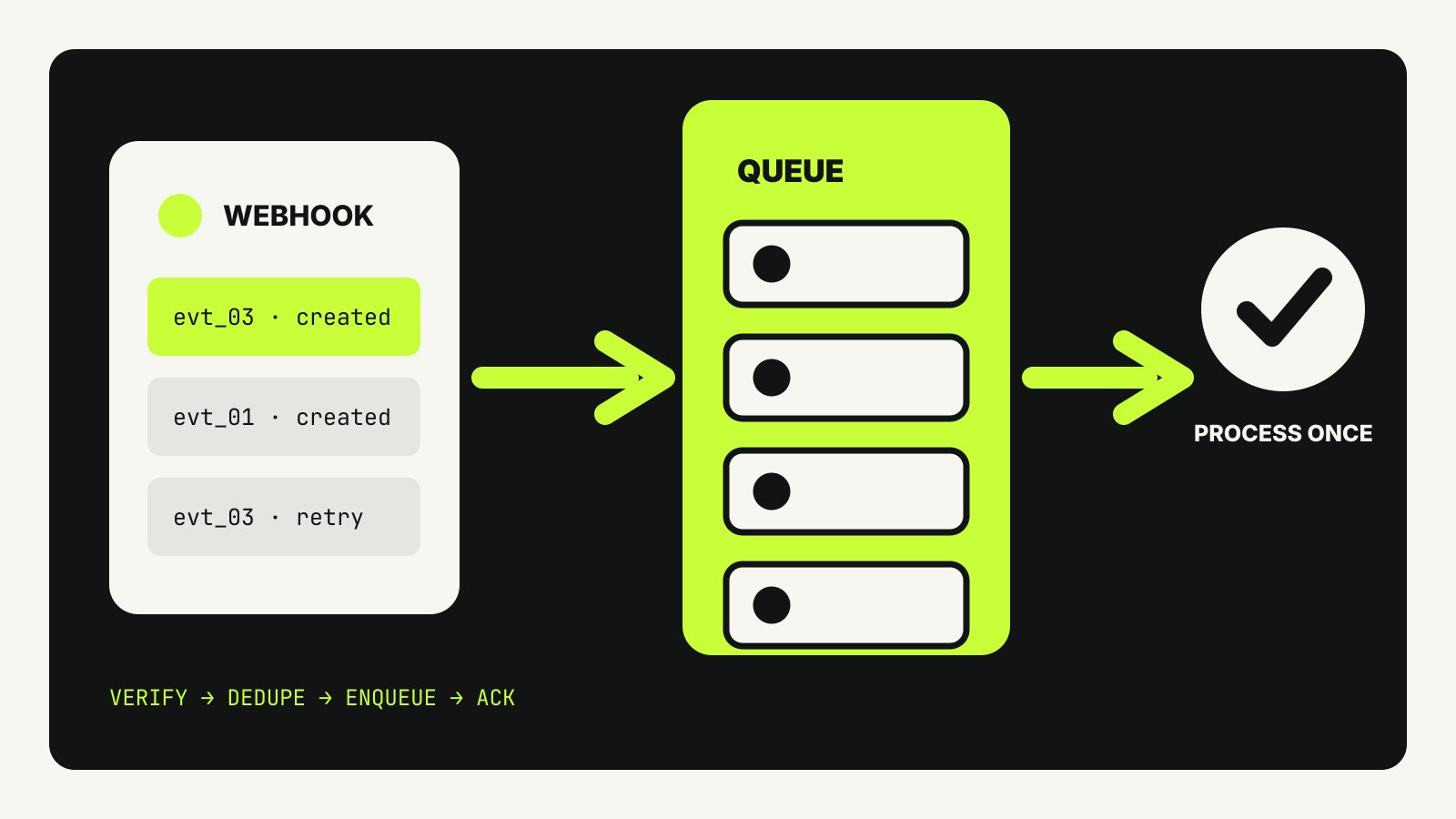
The customer’s browser can close, lose connectivity or show a stale result. Use server-side webhooks to update your order state.
A reliable flow:
- create or retrieve the intent on the server;
- pass the client secret to the intended customer interface;
- let Stripe.js handle confirmation and required actions;
- receive the relevant webhook;
- retrieve the object if needed;
- update the order or saved-method state idempotently;
- fulfill only from the event and status your policy recognizes.
Our guide to Stripe webhook signature verification explains why the raw request body matters when verifying the event.
Payment Links and Checkout Sessions sit above this choice
Stripe currently recommends Checkout Sessions with the Payment Element for most integrations, reserving direct PaymentIntent integration for cases that need the extra control.
A Payment Link can create a hosted checkout from a reusable URL, while a Checkout Session starts from server-created order context. Our comparison of Stripe Payment Links and Checkout Sessions covers that product-level decision.
Underneath, the same practical question remains: is the customer paying now, saving a method, or doing both?